
Switching to an online pharmacy used to mean a hassle: calling your old pharmacy, waiting on hold, faxing paperwork, and hoping your meds arrived without mix-ups. Now, with digital prescription transfer, you can move your entire script list in minutes-no phone calls, no faxes, no trips back to your doctor. This isn’t just convenience; it’s a system built to keep you on your meds, reduce errors, and cut out the red tape that used to slow people down.
How Digital Prescription Transfer Works
At its core, digital prescription transfer is just electronic paperwork. When you ask an online pharmacy to take over your prescriptions, they don’t call your old pharmacy. Instead, they send a secure, encrypted message through a national network-like Surescripts-that connects pharmacies across the U.S. This message contains your name, the medication, dosage, prescriber details, and refill history-all in a standardized format called the SCRIPT Standard Version 201900.
For non-controlled meds like blood pressure pills or antidepressants, the system works fast. The pharmacy you’re leaving gets the request, verifies your identity, and approves the transfer. Within hours, your new pharmacy has your full history. For controlled substances-like painkillers or ADHD meds-the process is stricter. Before August 2023, you had to get a brand-new prescription from your doctor every time you switched pharmacies. Now, thanks to a DEA rule change, you can transfer those once, electronically, without seeing your provider again. That single transfer rule still applies, but it’s a huge step forward.
Why This Matters for You
Think about the last time you ran out of meds. Did you have to take time off work? Drive across town? Wait on hold for 20 minutes? Digital transfers cut that out. A 2022 study in the Journal of the American Pharmacists Association found electronic transfers reduce errors by 47%. Manual transfers-phone and fax-triggered clarification requests in 25% of cases. Electronic ones? Just 8%.
Time savings? That’s the #1 reason people switch. According to a GoodRx survey, 78% of users said digital transfers saved them hours. One user on Reddit transferred five prescriptions from Walgreens to Amazon Pharmacy in under 90 minutes. Another CVS customer said auto-refills after the transfer saved them over three hours a month.
And it’s not just about speed. Studies show digital transfers improve medication adherence. The Government Accountability Office found Medicare beneficiaries who switched to online pharmacies via digital transfer were 12% more likely to keep taking their meds as prescribed. That’s not a small win-it means fewer hospital visits, fewer complications, and better health outcomes.
Which Online Pharmacies Do It Best?
Not all online pharmacies are built the same. Here’s how the big players stack up:
| Pharmacy | Transfer Speed (Non-Controlled) | Controlled Substance Transfer | Success Rate | Special Features |
|---|---|---|---|---|
| CVS Pharmacy | 24 hours | Yes, one-time transfer only | 92% | 10,000+ physical locations can initiate transfers; integrates with CVS Caremark |
| Walgreens | 24-48 hours | Yes, one-time transfer only | 89% | Mobile app requires only medication name and current pharmacy |
| Amazon Pharmacy | 2-4 hours | Yes, one-time transfer only | 87% | Seamless with Prime accounts; voice transfer pilot via Alexa |
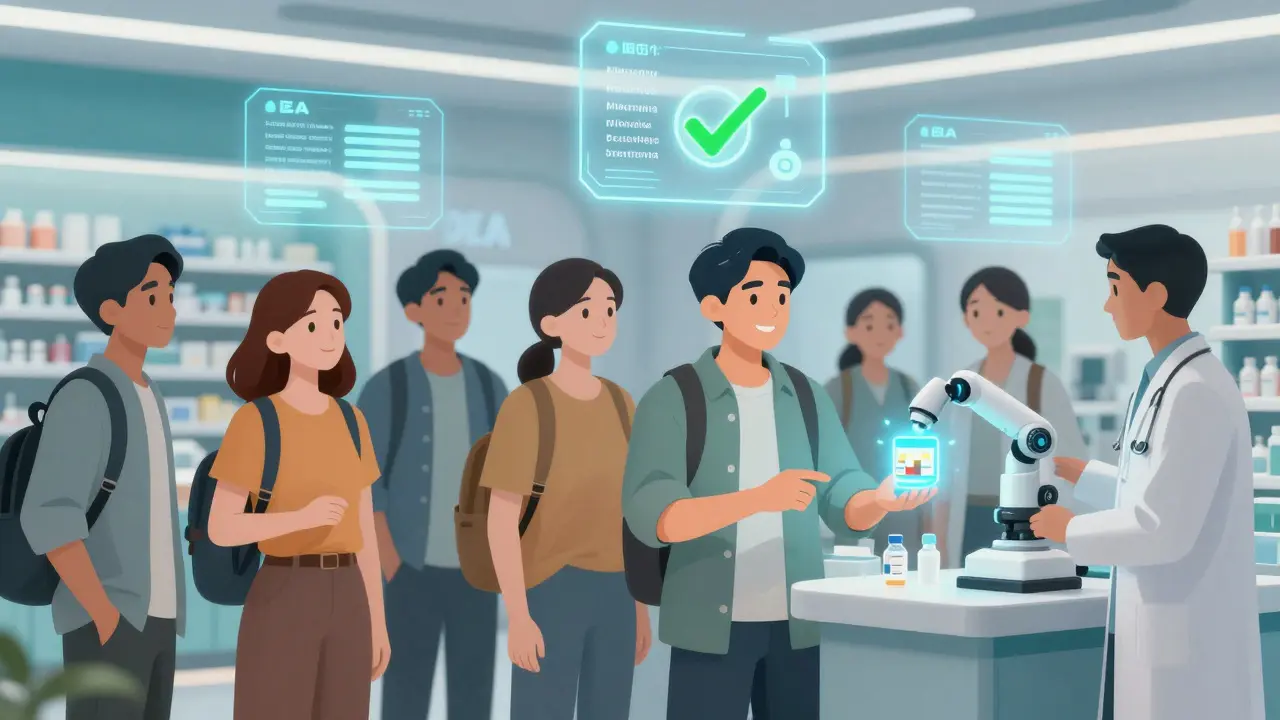
CVS leads in reach because of its massive brick-and-mortar network. If you’ve ever walked into a CVS, they can start your transfer right there. Amazon Pharmacy moves fastest because it’s built for digital-first users. Walgreens is reliable but slower. All three handle non-controlled substances well. But when it comes to controlled meds, they all hit the same wall: the DEA’s one-transfer rule.
Where It Still Breaks Down
For all its progress, digital transfer isn’t perfect. The biggest pain point? Controlled substances. If you’ve partially filled a Schedule II prescription-say, you got 15 pills out of 30 at your old pharmacy-the new pharmacy can’t accept the remaining 15. That’s because the DEA rule allows only one transfer per prescription. So you’re stuck: either take the rest from the original pharmacy, or get a new prescription. That’s a problem for 63% of patients trying to switch, according to the DEA’s own Practitioner’s Manual.
Another issue? Compounded medications. These are custom-made formulas-like hormone creams or specialized pain patches. They don’t fit neatly into standard e-prescription formats. A GoodRx analysis of 15,000 transfers found 68% of compounded med requests require manual intervention. That means someone has to call, fax, or email. It defeats the purpose.
Insurance problems are common too. One in four transfer attempts hit a snag because the online pharmacy doesn’t recognize your plan. You might get your meds, but your copay jumps from $5 to $45. That’s why 28% of negative reviews on ConsumerAffairs mention coverage issues.
What You Need to Do
Transferring your scripts is easier than ever. Here’s how:
- Go to the website or app of your new online pharmacy (CVS, Amazon, Walgreens, etc.)
- Find the ‘Transfer Prescription’ option
- Enter the medication name and the current pharmacy’s name or address
- Confirm your name, date of birth, and phone number
- Wait for confirmation-usually via email or app notification
That’s it. No forms. No calls. For most people, the system does the rest. If you’re transferring a controlled substance, you’ll get a notification if the transfer is approved. If it fails, you’ll see a message saying ‘Transfer not allowed’-that’s the DEA rule kicking in.
Pro tip: Use your pharmacy’s mobile app. CVS and Walgreens updated their apps in early 2023 to require just the medication name and pharmacy location. No prescription number needed. The system pulls it automatically.
What’s Next?
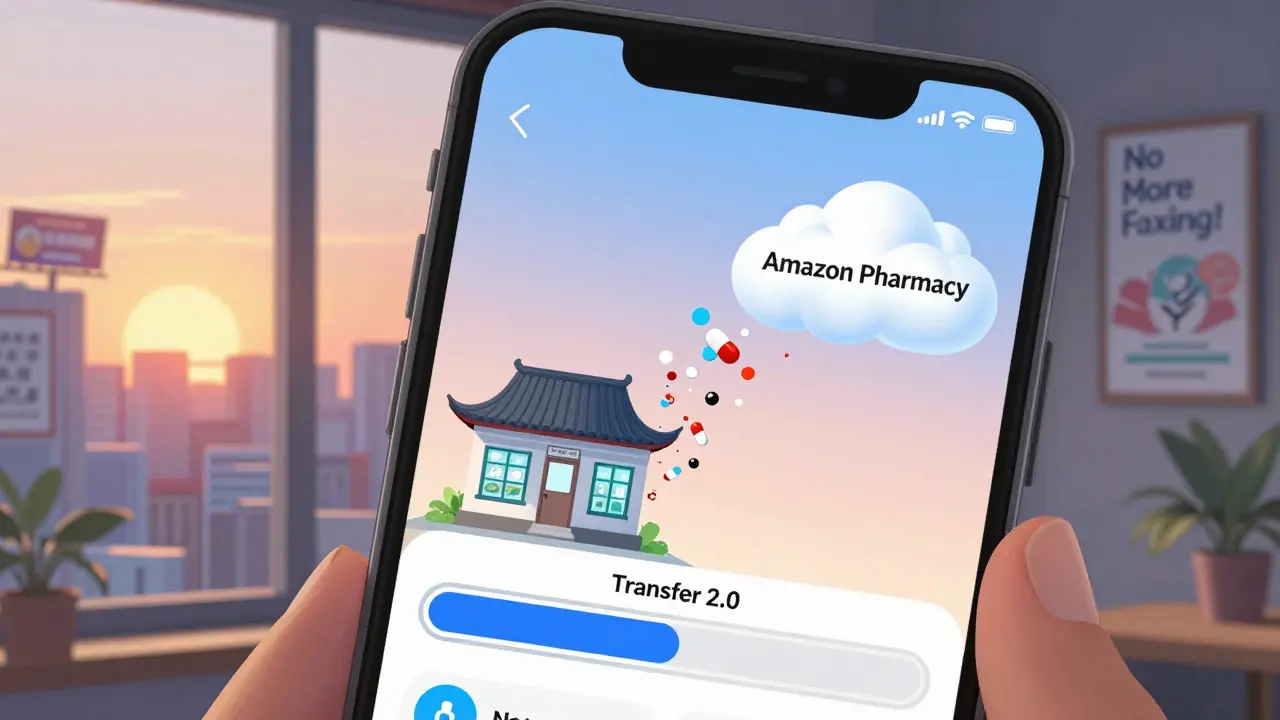
The system is getting smarter. Surescripts is rolling out ‘Transfer 2.0’ in early 2024. This will let you see real-time status-like ‘Processing,’ ‘Approved,’ or ‘Failed’-right in your app. Amazon is testing voice transfers through Alexa. You’ll be able to say, ‘Alexa, transfer my insulin to Amazon Pharmacy,’ and it’ll happen.
But there’s friction. California’s new law (SB 1056) adds extra steps for controlled substance transfers that clash with federal rules. Pharmacies operating nationwide now have to navigate patchwork regulations. And smaller pharmacies? Many still rely on old systems that can’t talk to modern networks. That’s why CVS and Amazon dominate-they have the tech and scale.
The trend is clear. In 2022, 128 million prescriptions moved to online pharmacies via digital transfer. That’s up from 90 million in 2021. By 2025, experts predict this market will hit $45 billion. Gartner says by 2027, 75% of new pharmacy relationships will start with an online transfer-not a walk-in visit.
Frequently Asked Questions
Can I transfer my controlled substances to an online pharmacy?
Yes, but only once. Since August 28, 2023, the DEA allows electronic transfers of controlled substances (Schedules II-V) between pharmacies, as long as the prescription hasn’t been filled yet. If you’ve already picked up part of the prescription, the new pharmacy can’t accept the remaining refills. You’ll need a new prescription from your doctor to refill beyond the first transfer.
How long does a digital prescription transfer take?
For non-controlled medications, it usually takes 24 to 48 hours. Many transfers complete in under 24 hours, especially with CVS or Amazon Pharmacy. For controlled substances, expect 48 to 72 hours because of extra verification steps. If it’s taking longer than three days, contact the new pharmacy’s customer service-they can check if the request got stuck.
Do I need my prescription number to transfer?
No, not anymore. As of early 2023, CVS, Walgreens, and Amazon Pharmacy updated their apps to require only the medication name and your current pharmacy’s name or address. The system pulls your prescription number automatically. If you’re unsure, just enter what you know-the pharmacy can look it up.
Why did my transfer fail?
Common reasons include: mismatched patient information (name or date of birth doesn’t match your old pharmacy’s records), insurance not being accepted at the new pharmacy, or the prescription being partially filled (especially for controlled substances). If you get a failure notice, check your details and call the new pharmacy’s support line-they can often fix it manually.
Can I transfer prescriptions from a local pharmacy to an online one?
Yes, absolutely. Whether you’re switching from a small independent pharmacy or a big chain like Rite Aid, the system works the same. The only exception is if the local pharmacy uses outdated software that doesn’t connect to national networks like Surescripts. In that case, they may need to fax or call-but most pharmacies now have digital access.
Amisha Patel
March 13, 2026 AT 20:45Elsa Rodriguez
March 14, 2026 AT 07:05Serena Petrie
March 14, 2026 AT 23:58Buddy Nataatmadja
March 15, 2026 AT 22:46mir yasir
March 17, 2026 AT 20:51Stephanie Paluch
March 18, 2026 AT 18:09tynece roberts
March 20, 2026 AT 11:46Hugh Breen
March 21, 2026 AT 07:24Byron Boror
March 23, 2026 AT 03:25Lorna Brown
March 23, 2026 AT 21:48Rex Regum
March 25, 2026 AT 09:47Kelsey Vonk
March 26, 2026 AT 22:51Emma Nicolls
March 28, 2026 AT 11:12Richard Harris
March 29, 2026 AT 08:07